A clearer view of what your Mac is running.
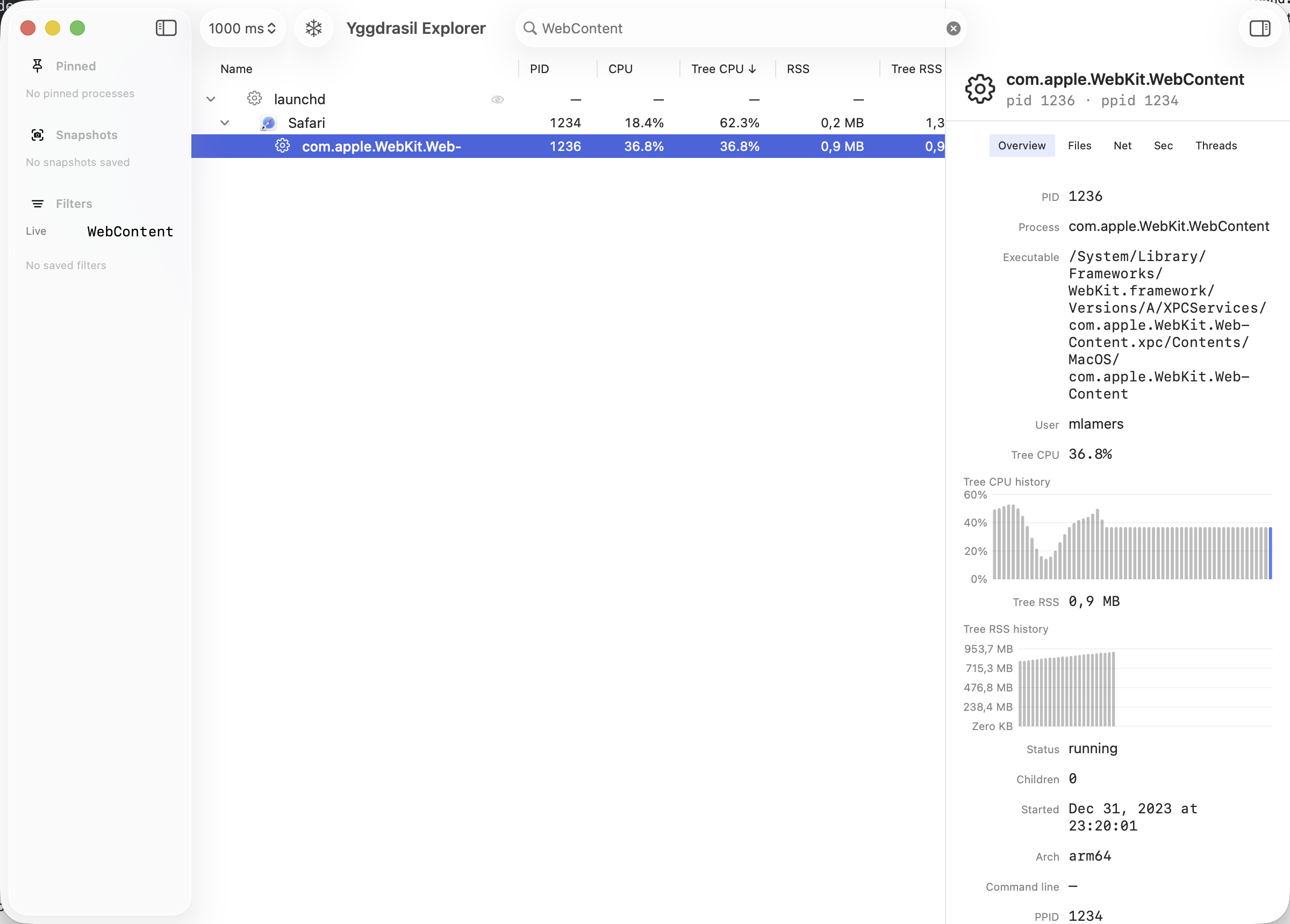
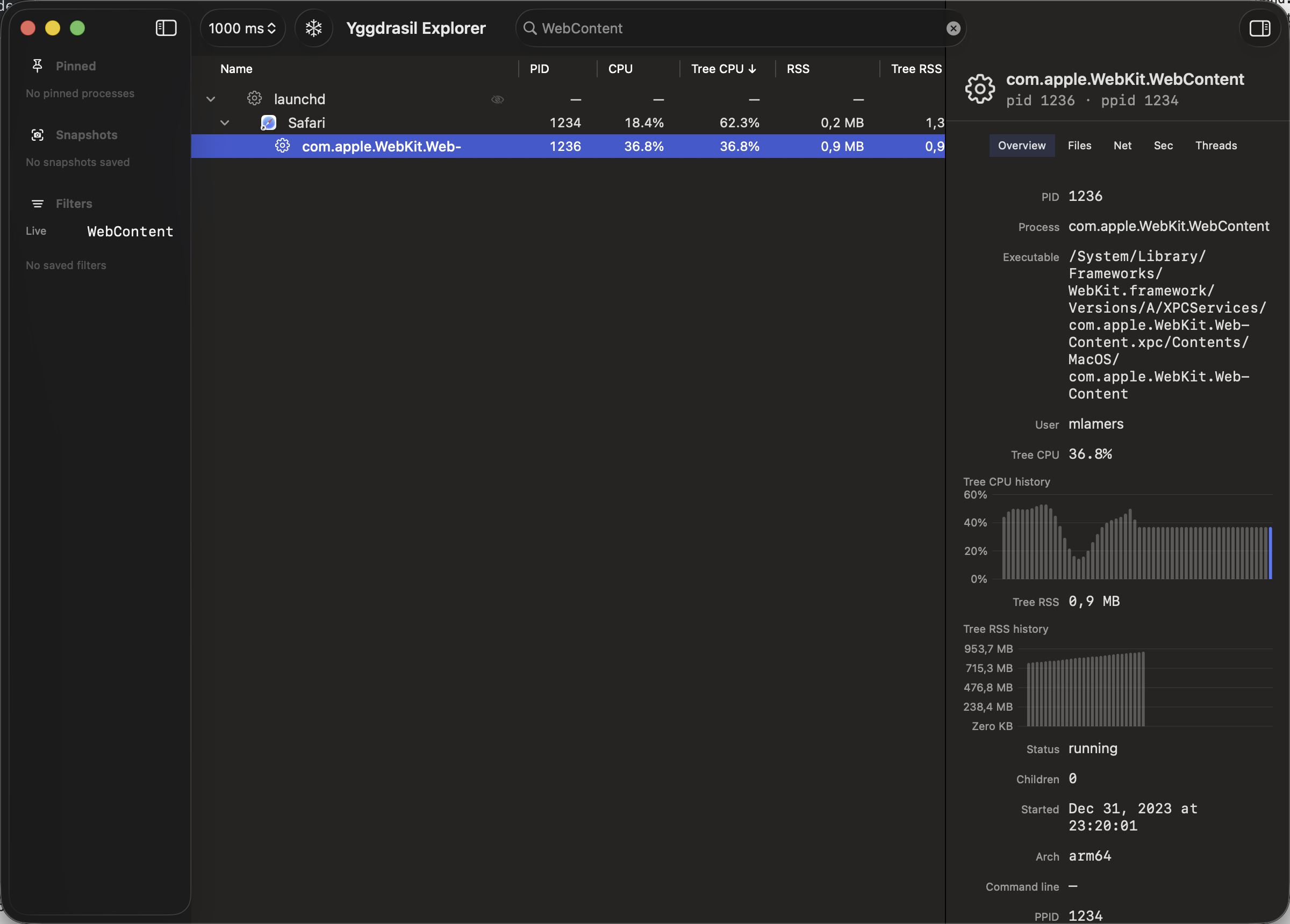
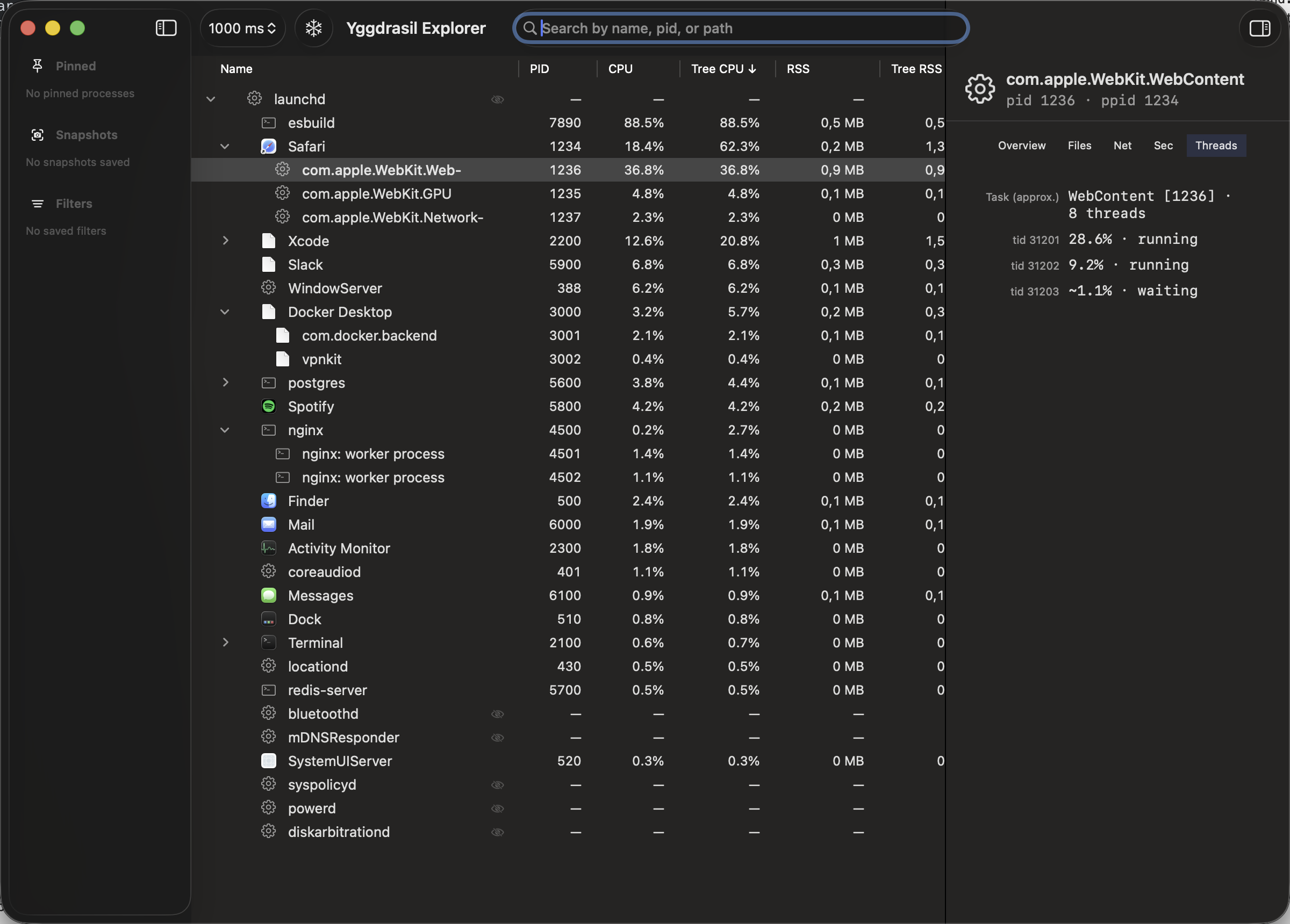
Yggdrasil Explorer is a native macOS process explorer. The process tree stays put while it updates, a lightweight Rust engine does the measuring, and you can look closely at the files, network connections, and code signatures behind each process.
Version 1.4.0 (build 13) · macOS 14.0+ · Apple Silicon & Intel
See it in action
Built for deep troubleshooting
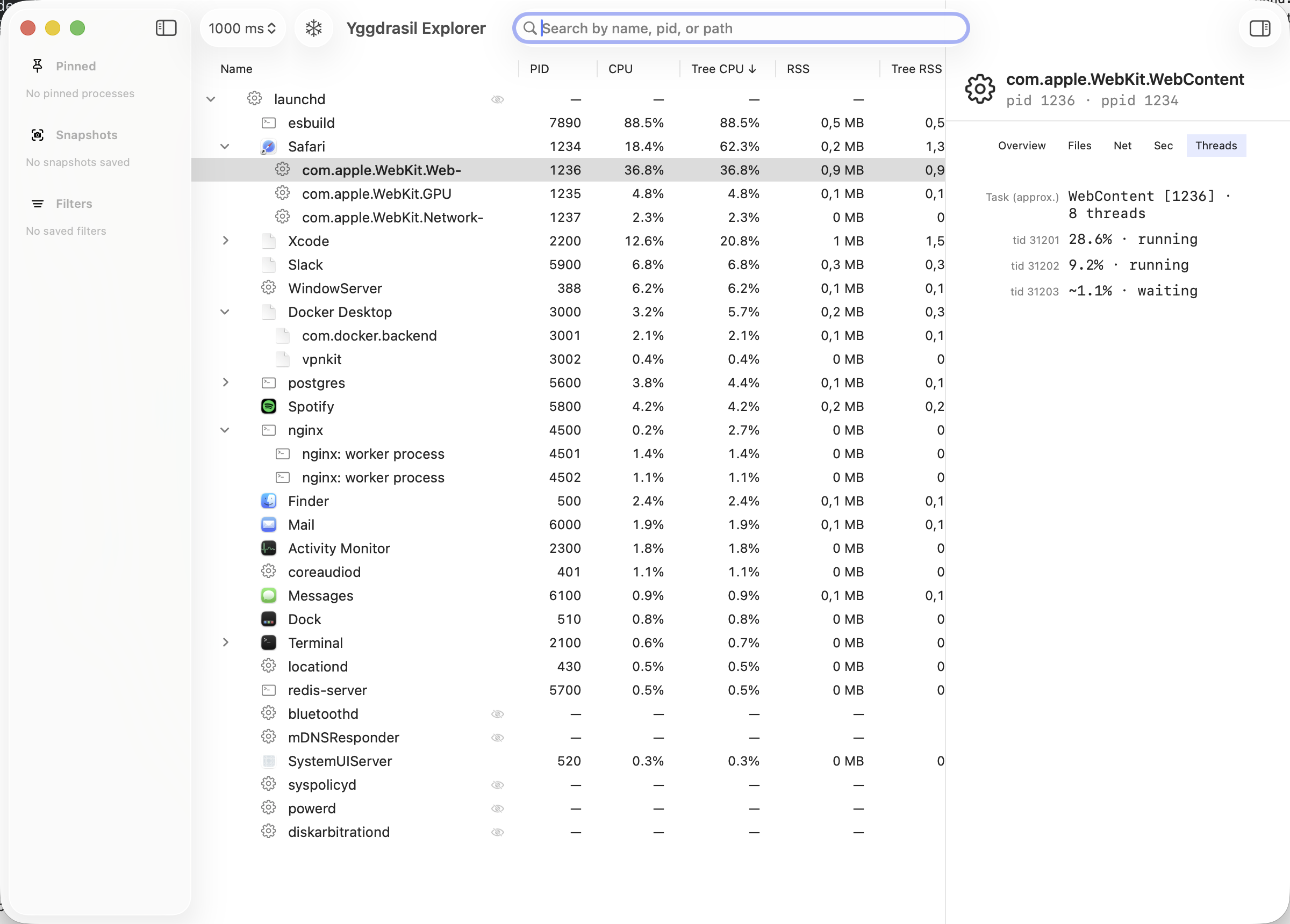
A tree that holds still
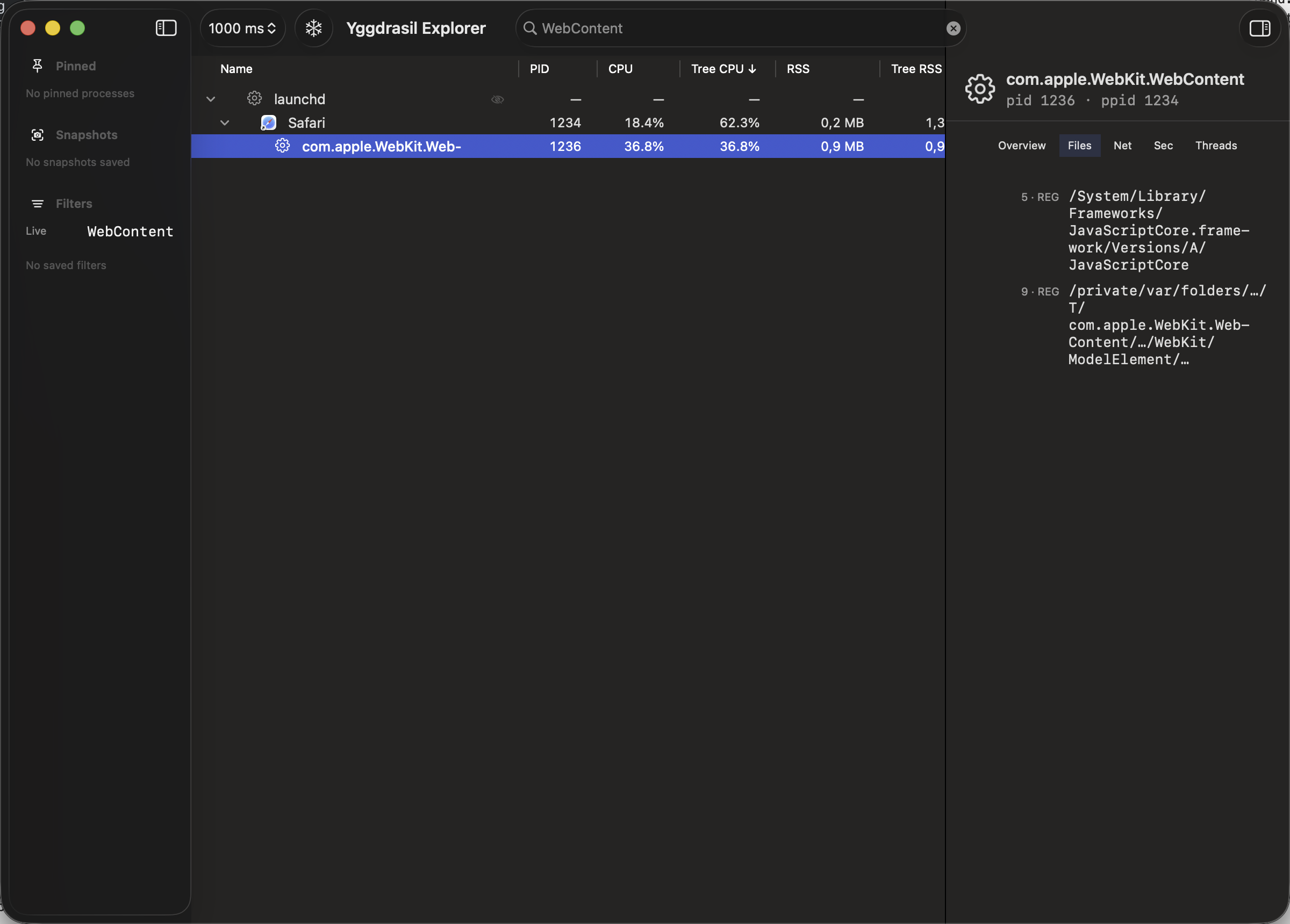
Tree Lock keeps every row where it is while the numbers keep updating. Processes that start or stop are marked in place, so the list never reshuffles under your cursor.
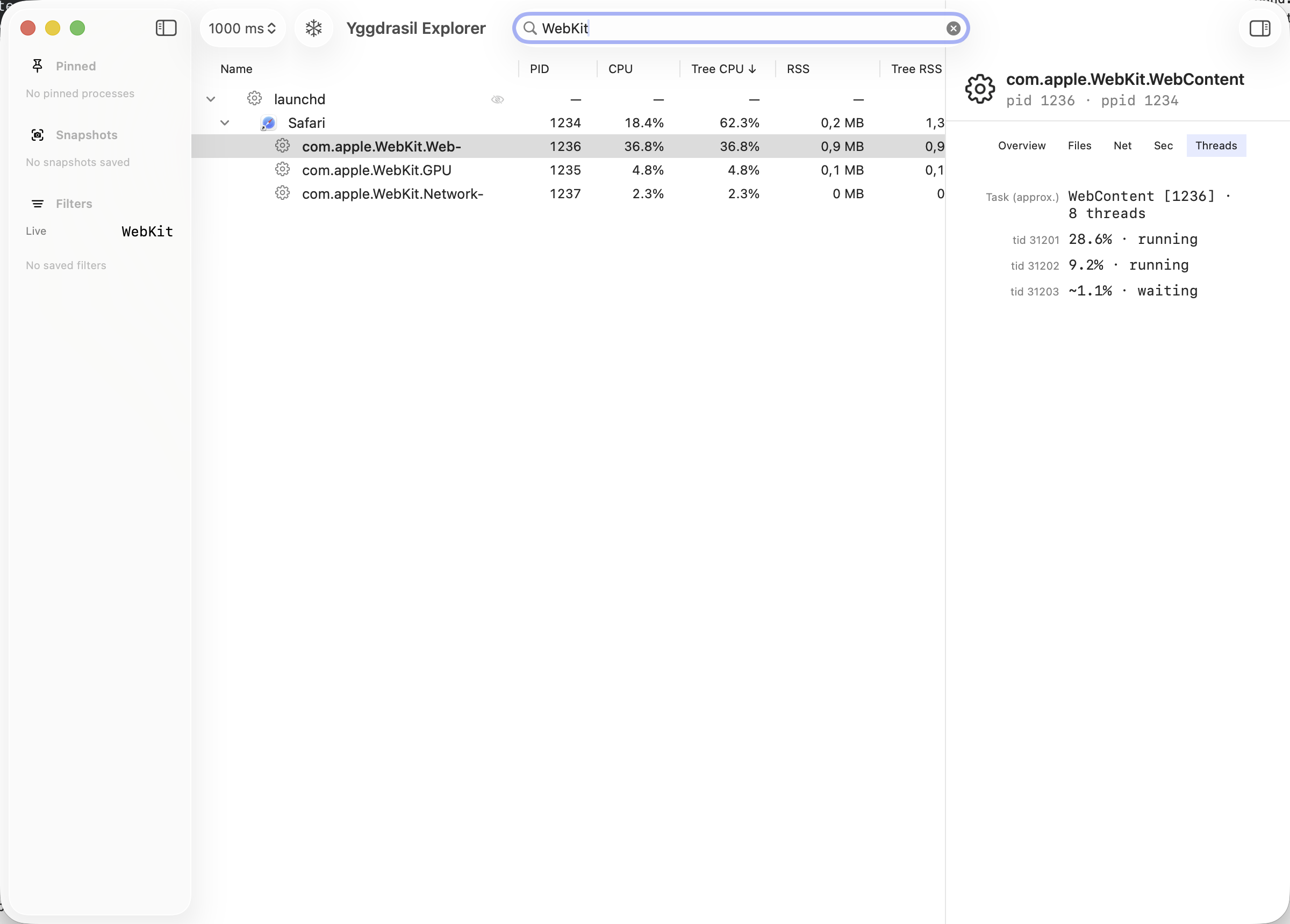
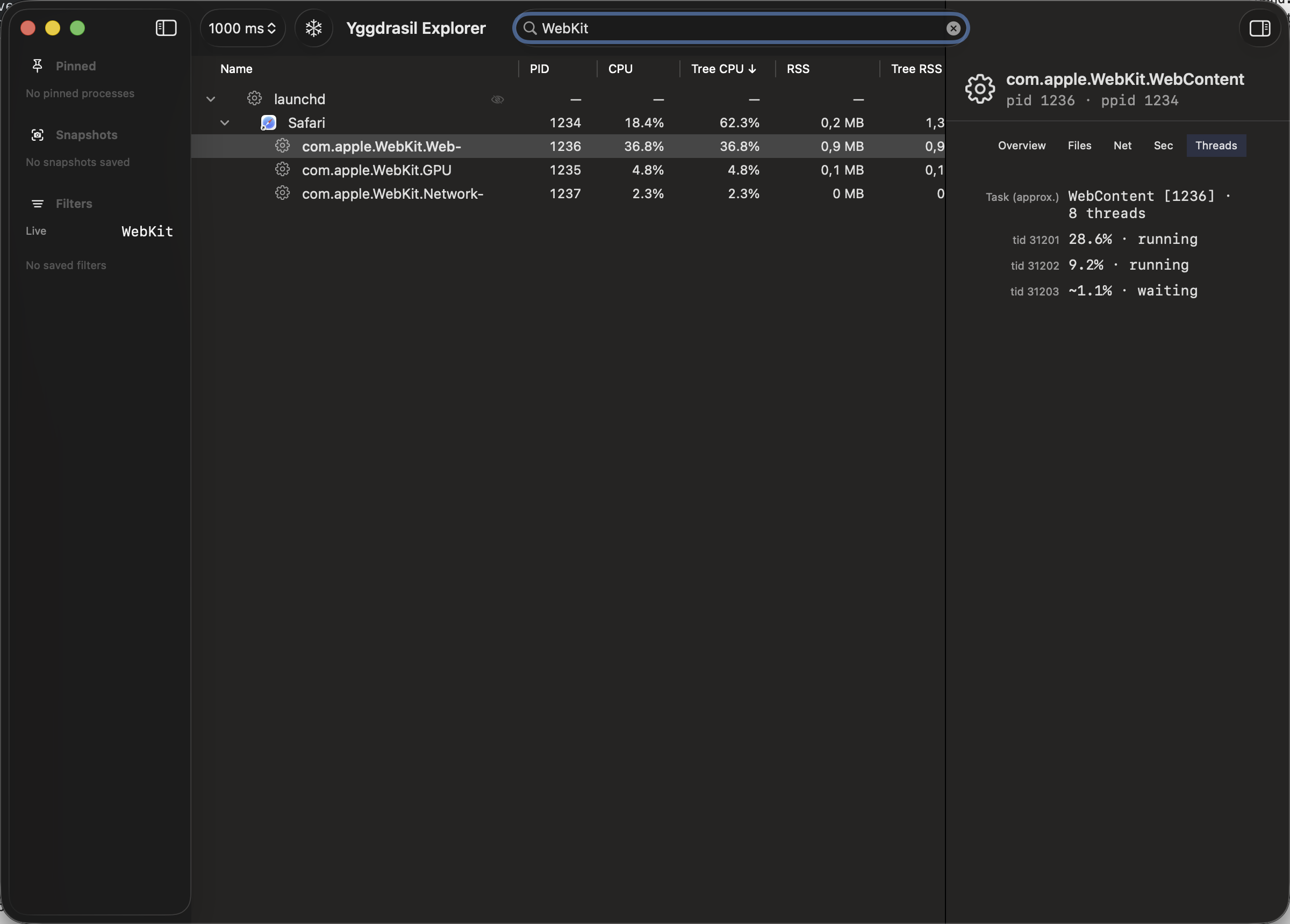
Look inside any process
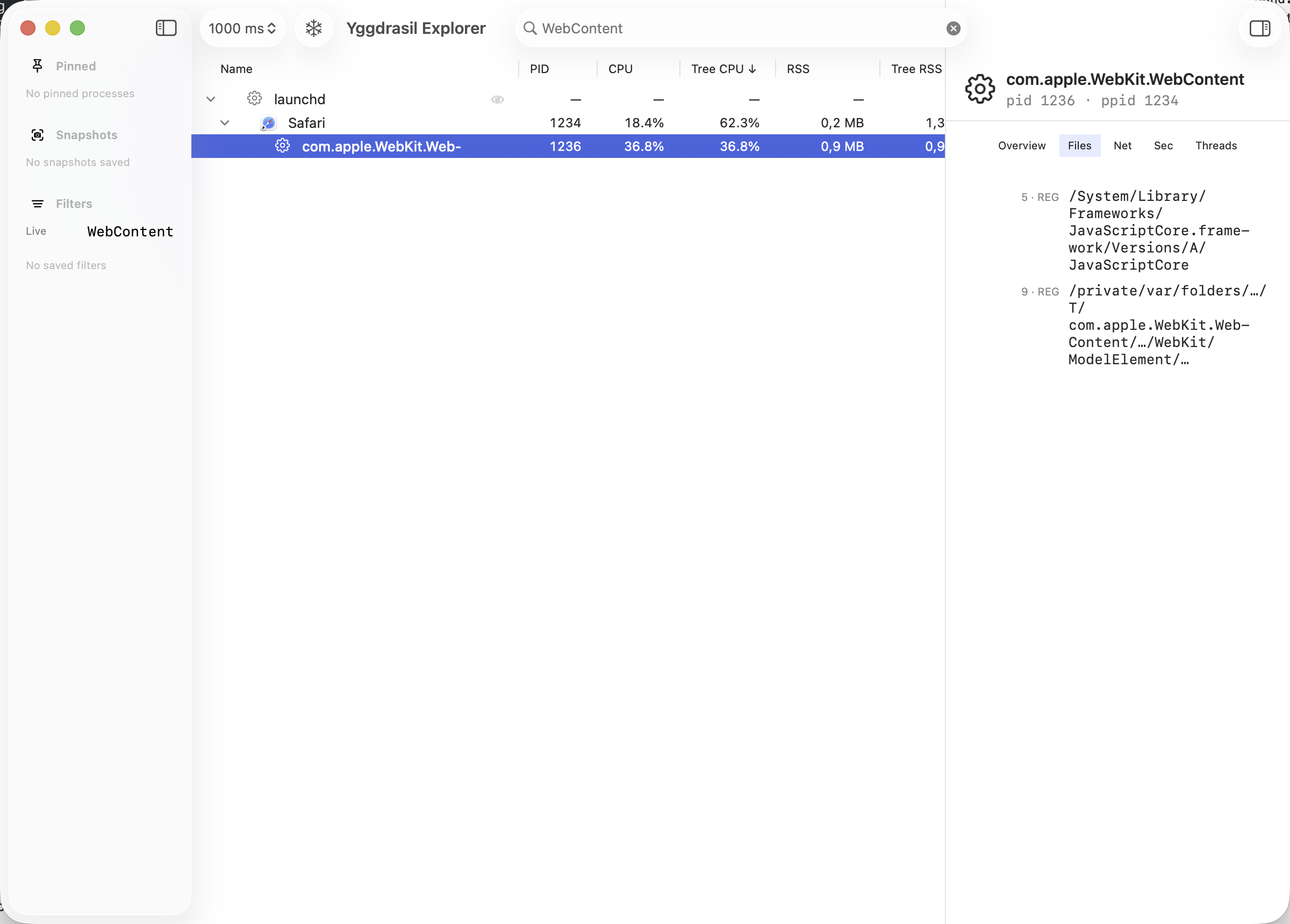
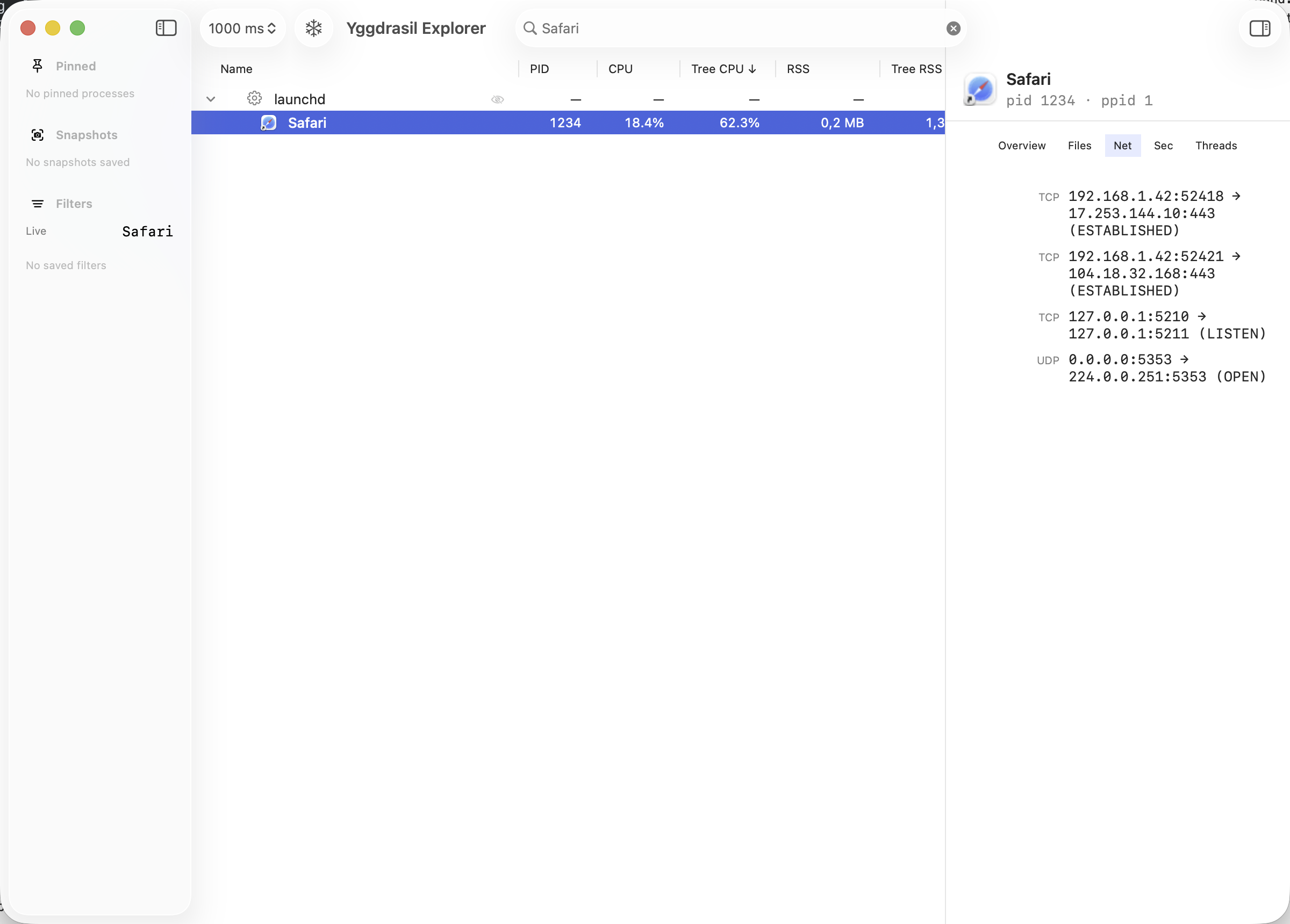
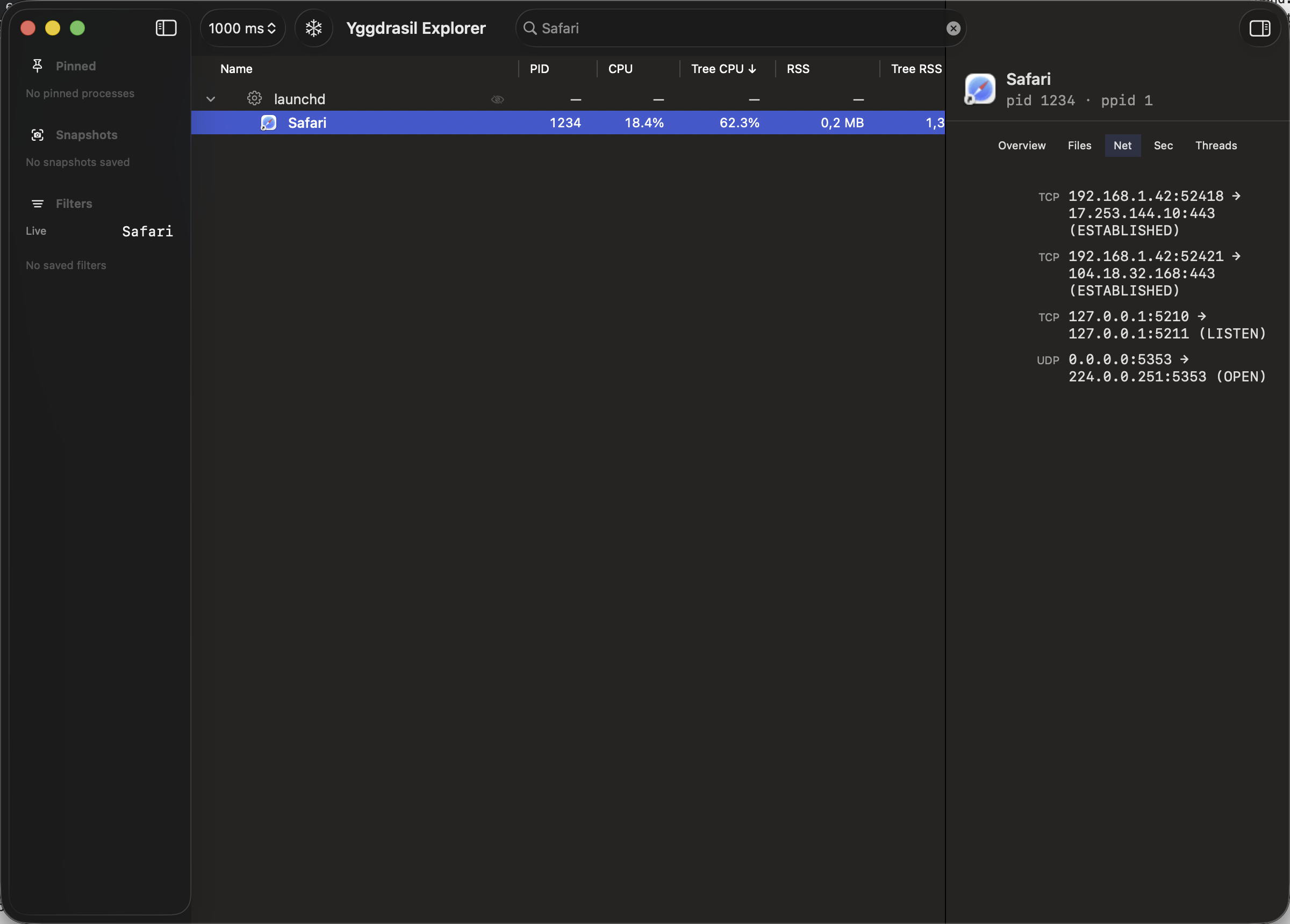
See the open files, network connections, and Mach ports for any process. Handy when you want to know what a process actually has open.
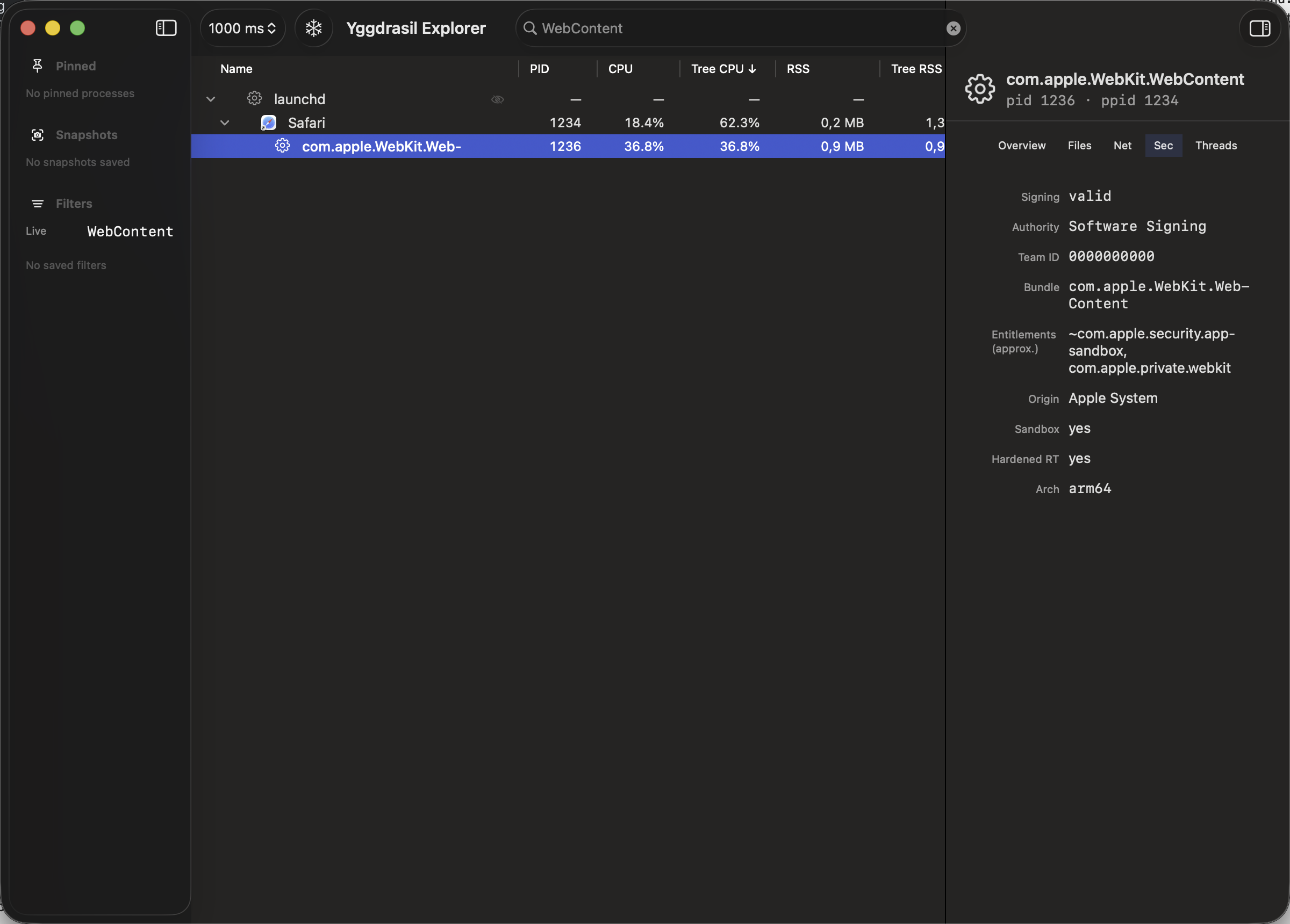
Code-signing details
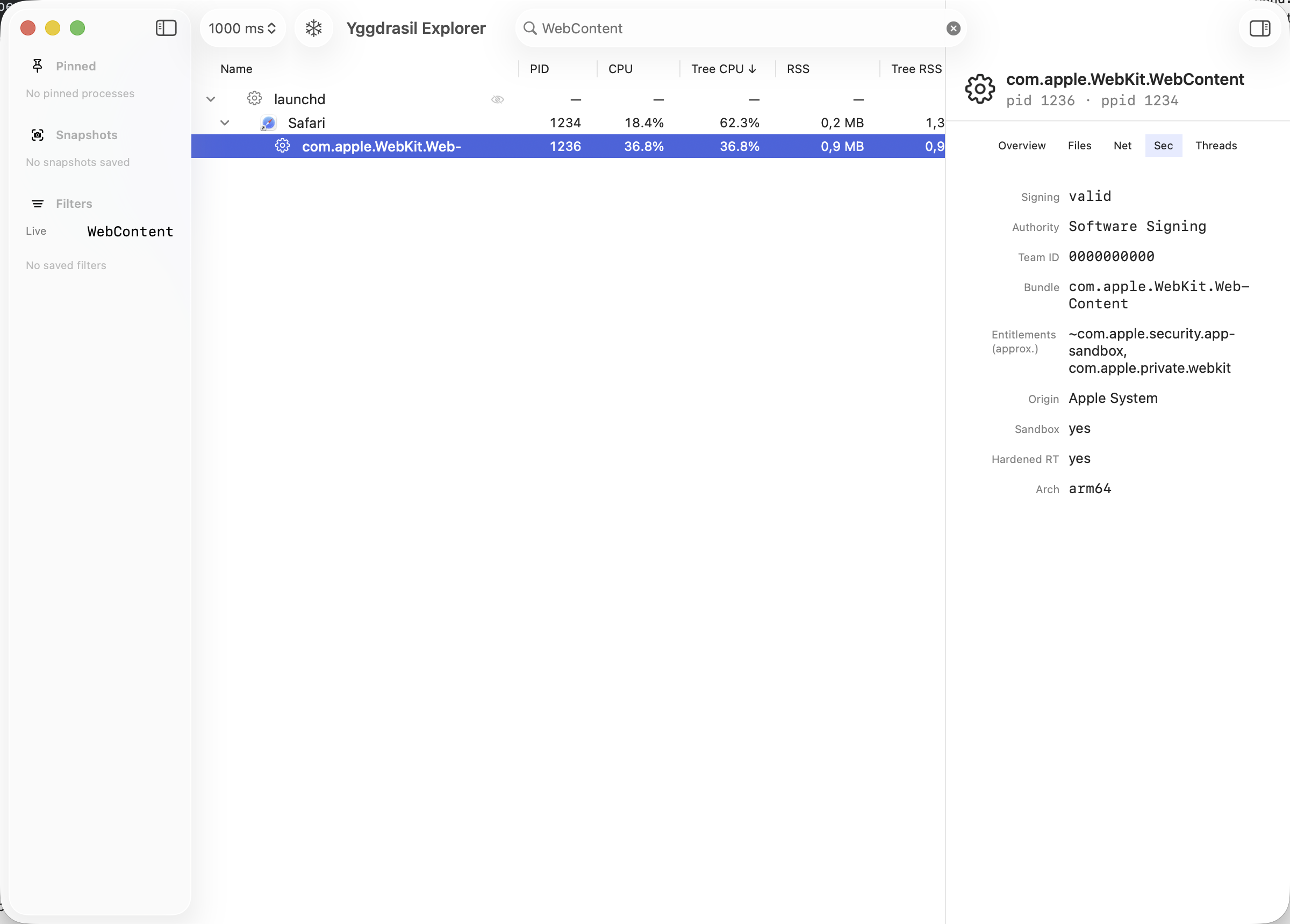
See the signing status, Team ID, entitlements, hardened runtime flag, sandbox state, and Gatekeeper origin for any process. Architecture is shown too — Apple Silicon, Intel, or Rosetta.
Light on resources
A Rust core reads from the kernel directly and only works out what changed between samples. The interface stays smooth and the tool itself uses very little, even with thousands of processes.
Search and keyboard navigation
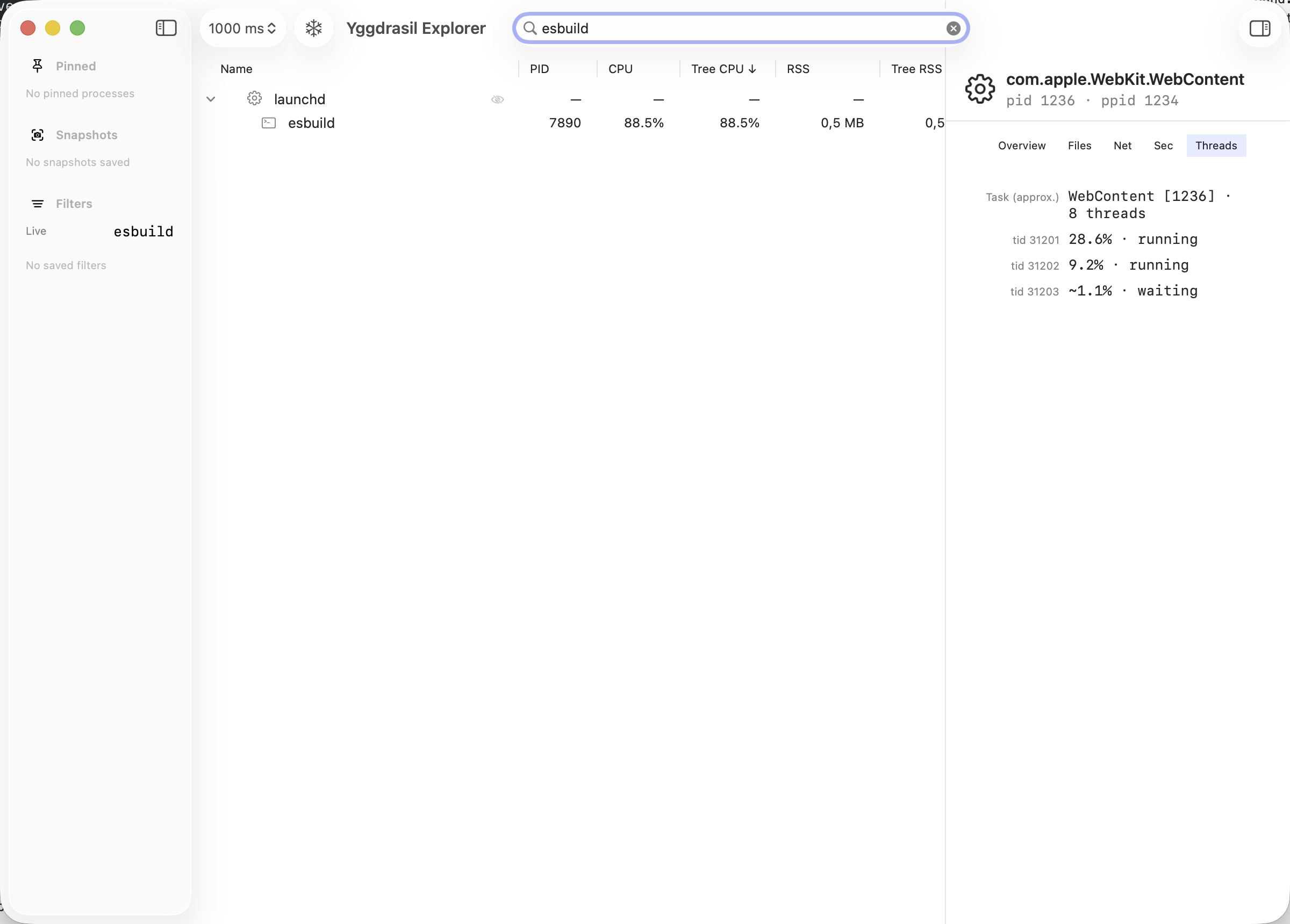
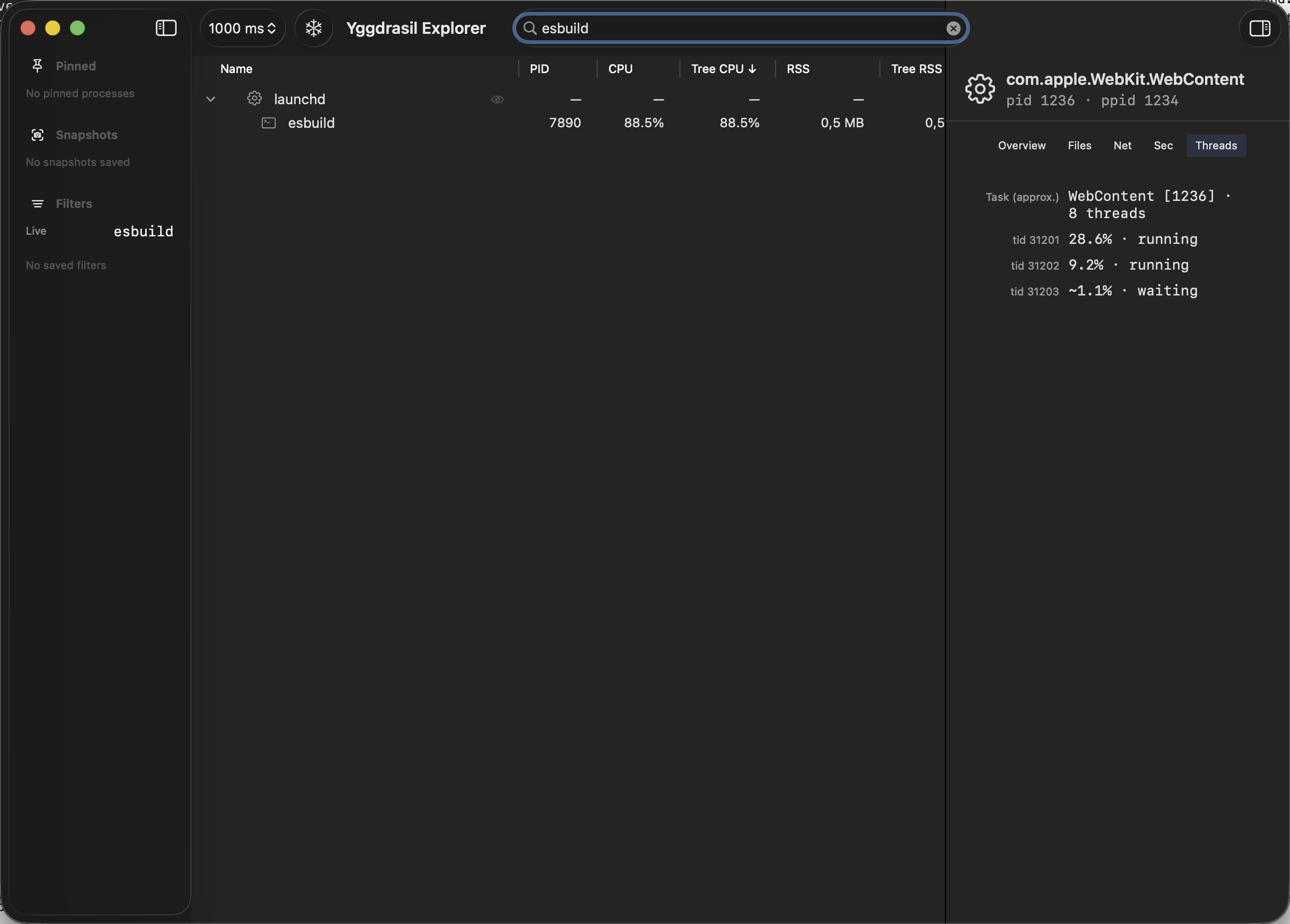
Search matches names, PIDs, and bundle identifiers, hides the rest, and highlights the matching branches. You can move through the tree and open sub-trees without reaching for the mouse.
Automatic updates
After you install from the DMG, Sparkle keeps the app current with signed, notarized updates. You get the familiar macOS “update available” flow, or use Check for Updates… in the app menu anytime.
A proper Mac app
Built with SwiftUI and AppKit, it follows Dark Mode, your accent color, and the menu bar the way you would expect. It comes in English and German.
Frequently asked questions
What is Yggdrasil Explorer?
It is a native macOS process explorer. Think of it as a more focused take on Activity Monitor for people who want to know exactly what is running on their Mac, how the processes relate, and what each one is doing.
How is it different from Activity Monitor?
The process tree does not jump around while you read it, and you can freeze the layout to study one part of it. You also get more detail, such as open files, network connections, Mach ports, and code-signing information, and it uses very little CPU while doing so.
What are the system requirements?
macOS 14 (Sonoma) or later. The app ships as a universal binary, so it runs natively on both Apple Silicon and Intel Macs.
Why does it ask for a privileged helper?
Reading detailed information about processes that belong to other users needs elevated access. Yggdrasil Explorer installs a small helper through Apple's SMAppService and talks to it over XPC, so the main app keeps running with your normal user rights.
Does it collect any of my data?
Your process and system data stay on your Mac — nothing is uploaded for analytics or accounts. The only network use is optional update checks: the app contacts our update feed to see whether a newer signed build is available (version info only, not your process list). See the Privacy Policy for details.
How do I install and update it?
Download the latest DMG from this site, move Yggdrasil Explorer into your Applications folder, and open it. From then on, the app checks for updates automatically (Sparkle) and installs signed, notarized builds when you accept. You can also choose Yggdrasil Explorer → Check for Updates… in the menu bar, or download a newer DMG from the releases page if you prefer a manual install.
I found a bug or have a question. Where do I go?
Send us an email. You can find the contact details in the Legal Notice.